



Description
Download Free Mp3 Video Music Iso Tube Player APK – YouTube Alternative, Video Streaming, Music Downloader, Free App, Mobile Software
Overview
The Free Mp3 Video Music Iso Tube Player APK is a third-party video streaming application designed to provide users with access to a vast library of content sourced from YouTube. It functions as a free alternative to the official YouTube platform, enabling users to stream and download videos directly from the app. The software is tailored for individuals seeking unrestricted access to trending and popular videos without relying on the official YouTube app. It supports both video and audio playback, making it suitable for users who want to enjoy music or visual content on demand. The app is particularly useful for those who prefer a lightweight, ad-supported experience with built-in download functionality. While the developer did not provide additional background details, the app operates using third-party APIs, suggesting it is not affiliated with YouTube. Real-world usage scenarios include offline viewing, background playback, and on-the-go music listening. The app’s interface is designed for quick navigation, allowing users to search for videos, channels, or playlists with minimal effort. It displays trending content by default, though it does not offer personalized recommendations based on user history.
Key Features & Capabilities
- YouTube Content Access – The app streams videos directly from YouTube via third-party APIs, allowing users to view thousands of videos without using the official YouTube app.
- Video and Audio Download – Users can download full videos or extract audio tracks in M4A format, eliminating the need for external downloaders.
- Multiple Quality Options – The download function supports various video and audio quality settings, enabling users to balance file size and playback clarity.
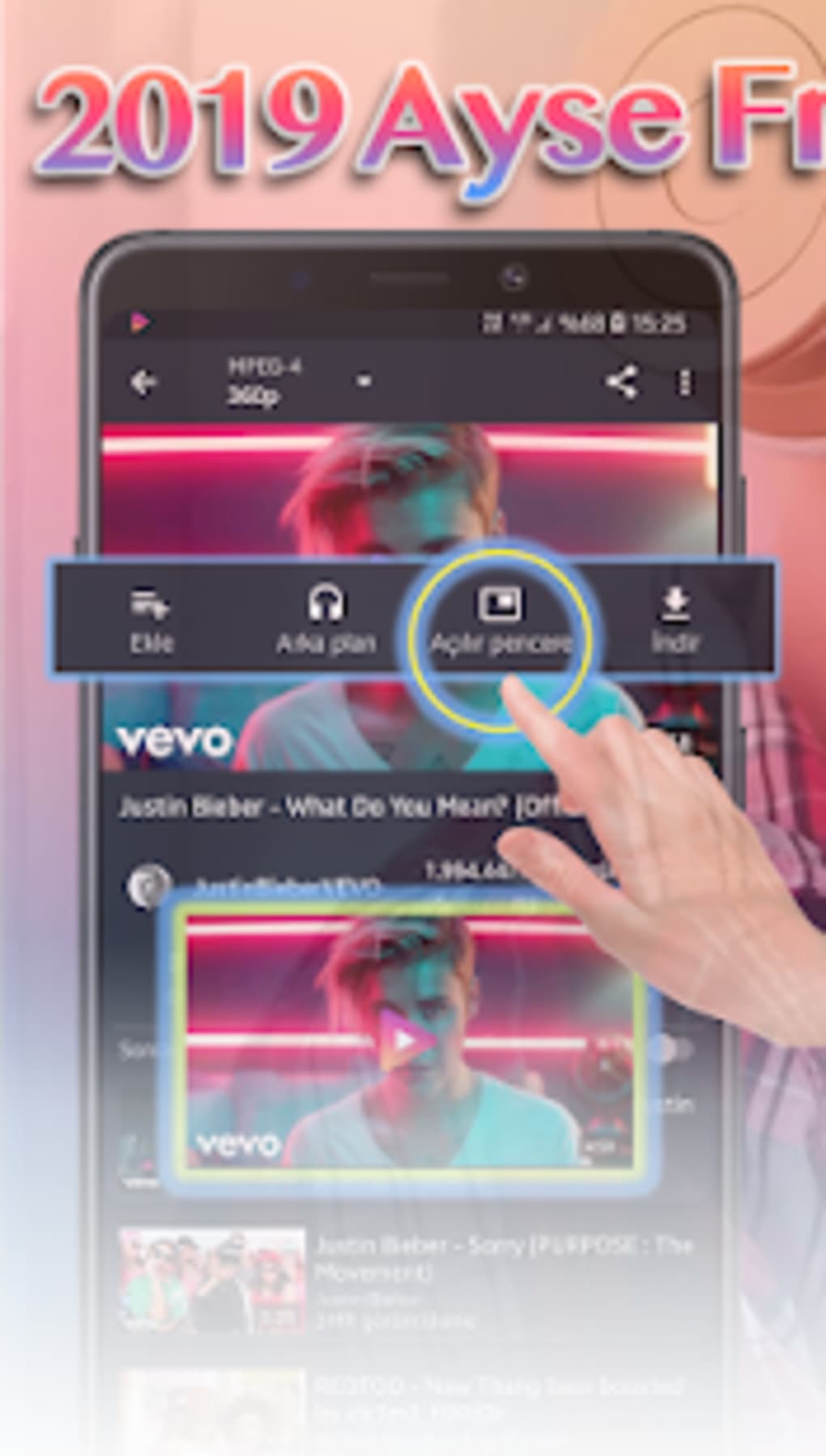
- Background Playback – Once activated, videos continue playing even when the app is minimized or the screen is turned off.
- Floating Window Player – A popup feature allows users to watch videos in a resizable window while using other apps.
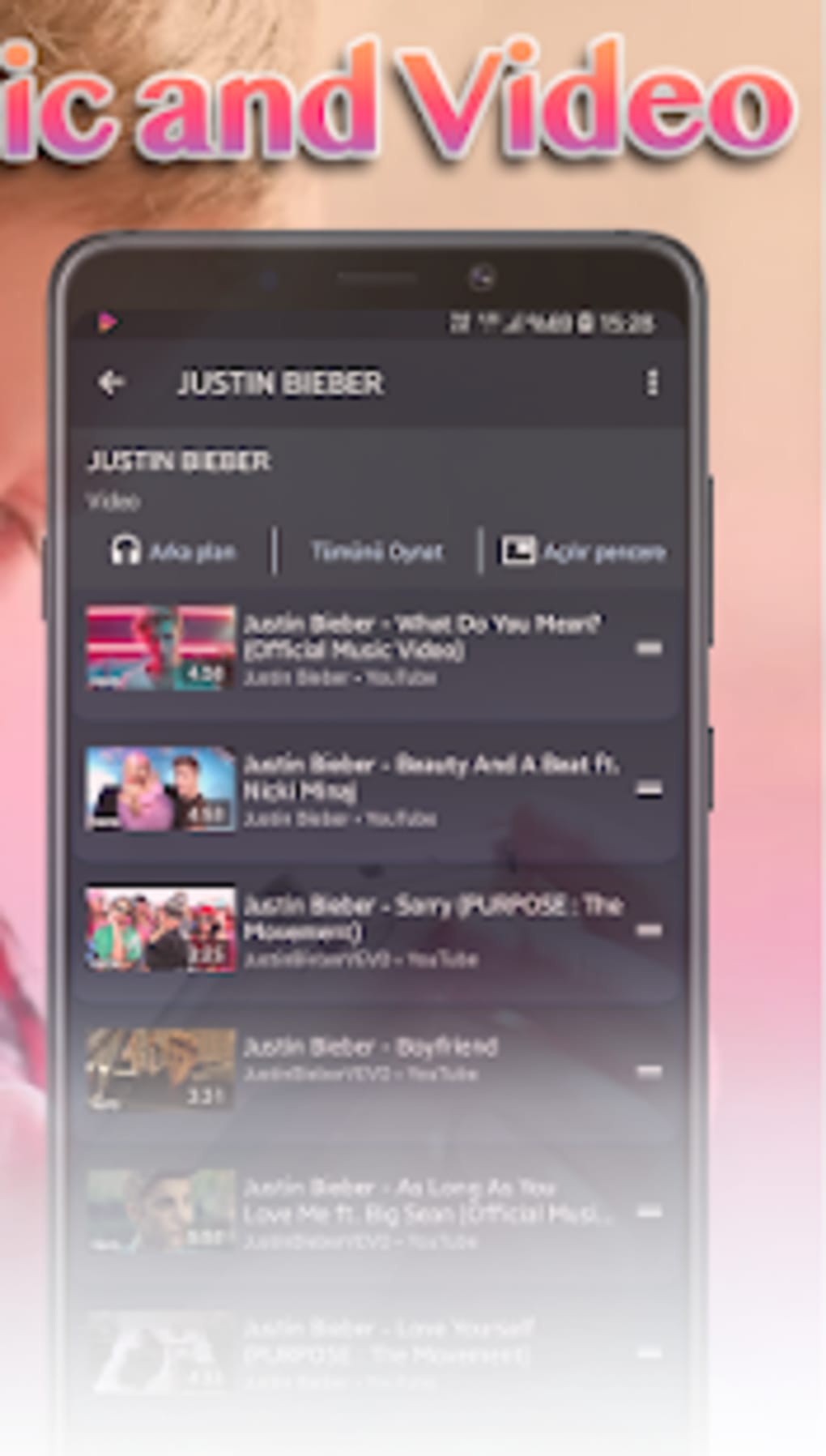
- Search and Discovery – The app includes a search bar to locate specific videos, channels, or playlists, with trending content displayed on the homepage.
These features are ideal for users who want to build a personal media library, listen to music while multitasking, or watch videos without an internet connection. The ability to download content directly enhances the app’s utility for travelers, commuters, or those with limited data plans. The absence of personalized recommendations ensures a neutral browsing experience, which may appeal to users who prefer to avoid algorithm-driven content. The app’s built-in player supports seamless playback, reducing the need to switch between applications.
User Interface, Workflow & Performance
The user interface of Free Mp3 Video Music Iso Tube Player is designed with simplicity in mind, featuring a clean layout that prioritizes accessibility and ease of navigation. The homepage prominently displays trending videos, while the search bar is easily accessible for direct queries. Navigation is intuitive, with minimal onboarding required, making it suitable for users of all technical levels. The app’s workflow follows a standard streaming pattern: search → select → play → download (if desired). The video player integrates smoothly into the interface, supporting full-screen viewing and basic playback controls. Background playback and floating window modes are activated through clearly labeled buttons, enhancing multitasking capabilities. Performance observations are based on general software behavior patterns, as exact performance details were not specified. The developer did not provide resource usage data, so CPU and RAM behavior remain unknown. Stability is expected to be consistent with similar third-party apps, though users may experience occasional interruptions depending on internet connectivity and device capabilities.
Compatibility & System Requirements
The software is available as an APK file, indicating it is designed for Android devices. The app does not specify a minimum OS version, nor does it list exact hardware requirements. Installation size is not provided, so users should consider available storage space before downloading. Platform compatibility information is limited, but the APK format suggests it supports a wide range of Android versions. The developer did not specify whether the app is compatible with tablets or wearables. Users should ensure their device allows installation from unknown sources to successfully install the APK. Compatibility with newer Android versions cannot be confirmed without additional details.
Pros and Cons
Pros
- Free to use with no subscription required
- Direct video and audio download functionality
- Background playback and floating window support
- Simple, intuitive interface with minimal learning curve
- Access to YouTube content without the official app
Cons
- No personalized video recommendations
- Third-party API dependency may lead to instability
- Exact system requirements and performance data not provided
- APK installation requires enabling unknown sources
- Download formats limited to MPEG-4 and M4A
FAQ Section
Is Free Mp3 Video Music Iso Tube Player safe to download?
The app is distributed as an APK file, which is generally safe if downloaded from trusted sources. However, users should verify the source to avoid potential malware. The developer did not provide security certifications or scanning reports.
Can I use this app on iOS devices?
Currently, the app is only available as an APK, which is exclusive to Android. There is no official version for iOS devices.
Does the app require an internet connection?
Yes, an active internet connection is required to stream or search for content. However, downloaded videos and audio files can be played offline.
How do I update the app?
Updates are typically released by the developer through the same APK distribution channel. Users must manually download and install the latest version.
Is the app free to use?
Yes, the app is completely free to download and use. There are no in-app purchases or subscription fees.
Final Thoughts
Free Mp3 Video Music Iso Tube Player offers a functional and accessible alternative to the official YouTube app, particularly for users who value offline access, background playback, and built-in downloading. Its clean interface and straightforward workflow make it easy to use, while its core features enhance the multimedia experience on Android devices. While it lacks personalized recommendations and does not disclose detailed system requirements, its strengths in content access and flexibility outweigh these limitations. The app is especially beneficial for music lovers, frequent travelers, and those seeking a lightweight streaming solution. For users looking for a free, no-frills video and audio platform, this app delivers on its promises. Download Free Mp3 Video Music Iso Tube Player APK now.
Guides & Tutorials for Free Mp3 Video Music Iso Tube Player APK
How to install Free Mp3 Video Music Iso Tube Player APK
- Click the Preview / Download button above.
- Once redirected, accept the terms and click Install.
- Wait for the Free Mp3 Video Music Iso Tube Player APK download to finish on your device.
How to use Free Mp3 Video Music Iso Tube Player APK
This software is primarily used for its core features described above. Open the app after installation to explore its capabilities.
User Reviews for Free Mp3 Video Music Iso Tube Player APK 0
No reviews found





